DoseKeeper
The Smarter Way to Manage Your Medications
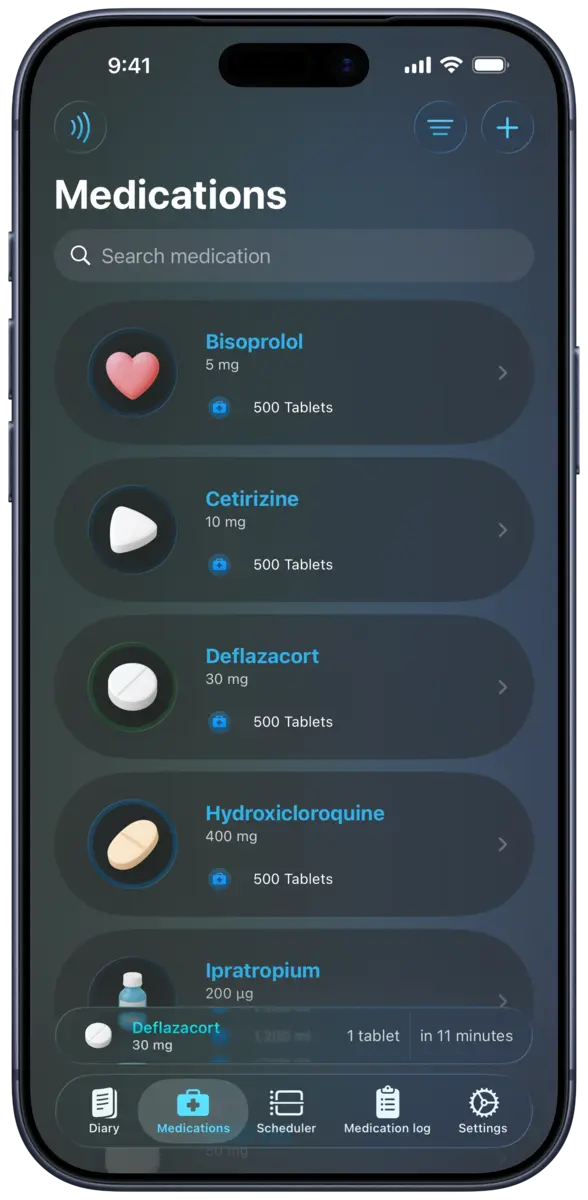
DoseKeeper is a private medication reminder and tracker for iPhone, iPad, and Apple Watch. Organize medication schedules, receive supported reminders and alarms, track what you take, and review blister packs, supply, adherence, diary context, and reports.
- Medication schedules, reminders, and supported alarm options
- Blister packs, batch inventory, expiry, and refill forecasts
- No advertising, no tracking, and Apple’s “Data Not Collected” label
Why DoseKeeper
Medication context without an advertising profile
DoseKeeper keeps schedules, medication records, inventory, and diary context together in a calm Apple-platform experience. The app does not collect app data, has no advertising, and does not use behavior tracking.
Core features
Built for real medication routines
Each capability has a dedicated page with current availability, limits, privacy context, and the difference between what you enter and what DoseKeeper calculates.
Medication reminders
DoseKeeper lets you create medication reminders for different days and times on iPhone and iPad.
Learn moreBlister pack tracking
DoseKeeper can represent a medication blister pack, show progress through it, and indicate when one blister ends and the next begins.
Learn moreMedication inventory
DoseKeeper is a medication inventory app that organizes stock in batches, tracks expiry dates, and estimates how long a supply may last.
Learn moreAdherence insights
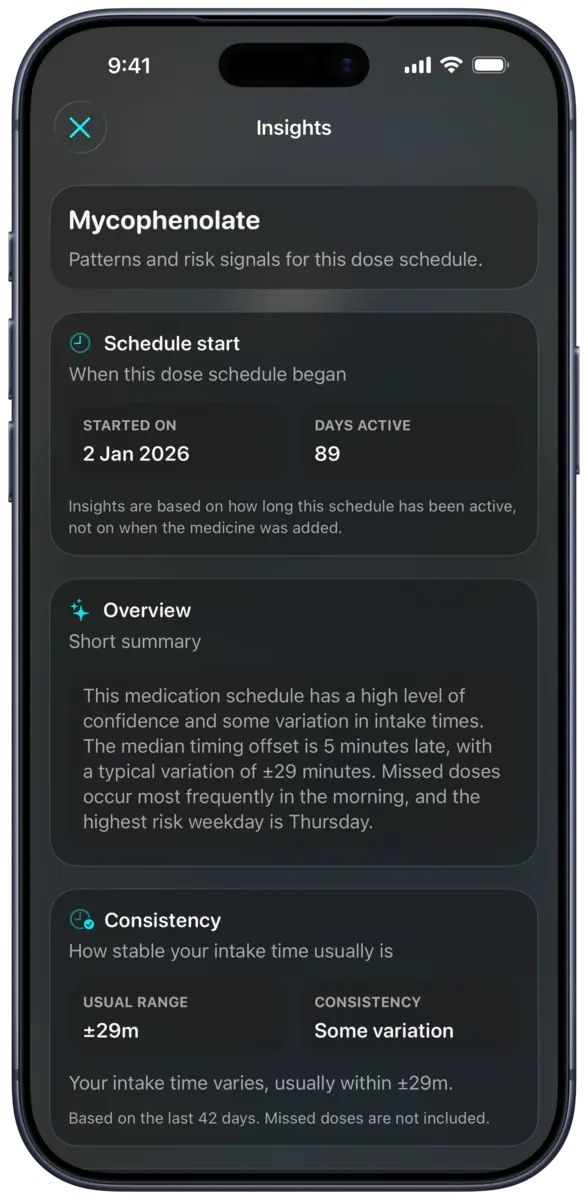
DoseKeeper summarizes the medication schedule and records you enter into adherence percentages and timing views.
Learn moreApple Watch
DoseKeeper includes an Apple Watch app for viewing medicines and their batch details, checking scheduled doses, logging medication, and reviewing medication history from your wrist.
Learn moreMedication reports
DoseKeeper creates PDF exports for medication logs, medicine inventory, trends, scheduled-dose insights, diary entries, and selected blood-pressure report workflows.
Learn moreInside the app
A clear view of schedules and records
Explore released DoseKeeper views for insights, reminders, scanning, Shortcuts, and reports.
FAQ
Common questions
Is DoseKeeper private?
DoseKeeper does not collect app data, has no advertising, and does not build advertising profiles. Apple currently displays “Data Not Collected” for the app.
Can I start for free?
Yes. The free tier supports up to 3 medicines and 2 scheduled doses. DoseKeeper Pass unlocks unlimited use and advanced features.
Which Apple devices are supported?
DoseKeeper is designed primarily for iPhone, iPad, Apple Watch. Apple also lists compatibility with supported Mac devices. The primary apps require iOS, iPadOS, or watchOS 26.1 or later.
Does DoseKeeper provide medical advice?
No. DoseKeeper helps you record, organize, review, and export medication information. It does not prescribe a dose, diagnose a condition, or determine whether a medicine is effective.
Start tracking with DoseKeeper
Use DoseKeeper free with up to 3 medicines and 2 scheduled doses. Upgrade to DoseKeeper Pass when you need unlimited use and advanced features.